I Analyzed 9 Web Analytics Tools - Ranked by Our Usage Data
I analyzed detection data across millions of domains to rank 9 web analytics tools for 2026. Most Google Analytics alternatives don't actually replace it.
Published •Updated •35 min read

The best web analytics tools in 2026 are Google Analytics 4, Cloudflare Web Analytics, Yandex Metrica, Plausible, PostHog, Adobe Analytics, Matomo, Fathom and Umami. I ranked them by active domains in TechnologyChecker's detection index, where GA4 leads with 3,688,199. Most alternatives here supplement Google Analytics rather than replace it.
Why trust this list? I'm Elif Arslan, CMO and co-founder of TechnologyChecker, and I've spent ten years running marketing teams that live inside these dashboards. Two of the nine tools below I've used properly rather than reviewed: Google Analytics, which I'm certified in and have run since the Universal days, and PostHog at previous companies. I say so in those two sections and nowhere else, because I'm not going to pretend I've run all nine. The ranking comes from our own detection data rather than vendor claims, and every price was read from the vendor's live pricing page on 14 August 2026. No affiliate links, and nobody paid to be on this list.
That last point matters more than usual here, because the finding that shaped this article contradicts the premise of almost every list you'll read on this topic.
The 9 Best Web Analytics Tools at a Glance
Ordered by the number of active domains we detect running each tool, highest first, not by preference. Where my recommendation diverges from adoption I say so in that tool's section.
- Google Analytics 4 (best for free, universal baseline reporting)
- Cloudflare Web Analytics (best for zero-config privacy analytics on sites already behind Cloudflare)
- Yandex Metrica (best for free session replay and heatmaps at scale)
- Plausible (best for a lightweight, EU-hosted Google Analytics replacement)
- PostHog (best for product teams who need analytics plus experimentation)
- Adobe Analytics (best for enterprise multi-channel attribution)
- Matomo (best for full data ownership and self-hosting)
- Fathom Analytics (best for simple, compliant reporting across client sites)
- Umami (best for developers who want to self-host for free)
| # | Tool | Best For | Ease of Use | Starting Price | Active Domains |
|---|---|---|---|---|---|
| 1 | Google Analytics 4 | Free baseline reporting | Intermediate | Free | 3,688,199 |
| 2 | Cloudflare Web Analytics | Zero-config privacy analytics | Beginner | Free | 408,650 |
| 3 | Yandex Metrica | Free session replay and heatmaps | Intermediate | Free | 288,084 |
| 4 | Plausible | Lightweight EU-hosted GA replacement | Beginner | $9/mo | 32,774 |
| 5 | PostHog | Analytics plus experimentation | Advanced | Free tier | 20,939 |
| 6 | Adobe Analytics | Enterprise multi-channel attribution | Advanced | Quote only | 19,450 |
| 7 | Matomo | Full data ownership and self-hosting | Intermediate | Free (self-hosted) | 16,452 |
| 8 | Fathom Analytics | Simple compliant client reporting | Beginner | $15/mo | 16,233 |
| 9 | Umami | Developer self-hosting | Intermediate | Free (self-hosted) | 12,413 |
Prices verified 14 August 2026. Active-domain counts come from each tool's web analytics category profile on TechnologyChecker, except Cloudflare Web Analytics, which has no published profile and is measured directly from our detection index.
What Are Web Analytics Tools?

Web analytics tools are scripts or server-side services that record what happens on your website: which pages get viewed, where visitors arrived from, which countries they're in, and which actions they complete. They answer "what happened on my site" questions.
The boundary that matters in 2026 is collection method, not feature list. Client-side tools load JavaScript in the visitor's browser and lose data to ad blockers and consent refusals. Server-side and edge tools count requests before any of that applies. That single distinction explains most of the accuracy arguments you'll see between vendors.
How I Picked and Ranked These 9 Web Analytics Tools
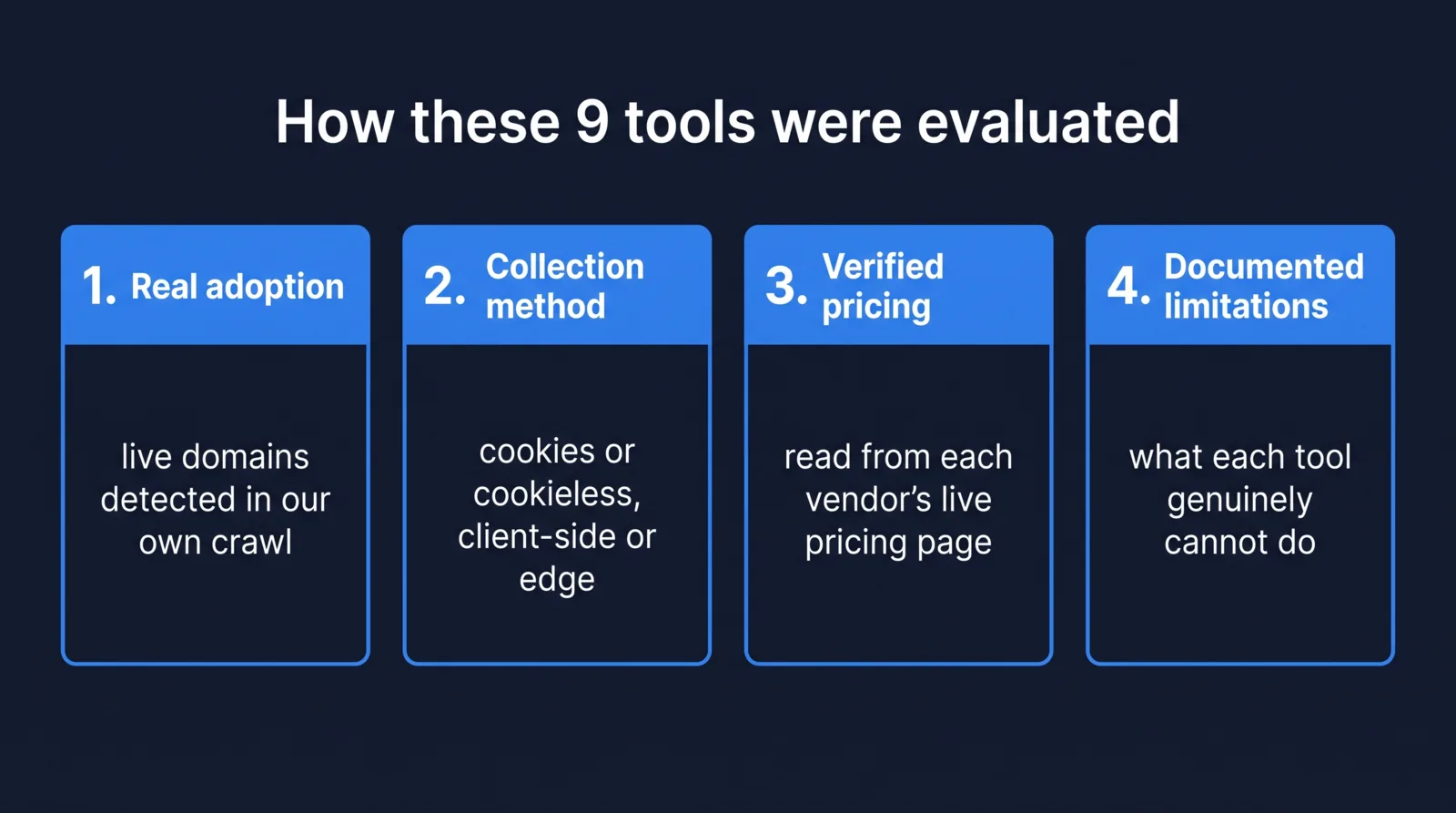
I applied four criteria to every tool, and the spec cards below reflect them:
- Real adoption — how many live domains actually run it, measured from our own crawls rather than vendor press releases.
- Collection method and privacy posture — cookies or no cookies, client-side or edge, where data is hosted.
- Verified pricing — read from the vendor's live pricing page on 14 August 2026, with entry tier and what gates the next tier up.
- Documented limitations — what each tool genuinely can't do, sourced from G2 review sentiment or the vendor's own docs.
The ranking method: for the eight tools with a published TechnologyChecker profile, the count is the active-domain figure on that profile, so you can click through and check it yourself. For Cloudflare Web Analytics, which has no profile page, we queried our detection index directly, counting distinct domains and taking the most recent status per domain across the crawl window ending 28 March 2026. We validated that method against two tools that have both: it reproduced Fathom within 1.1% and Umami within 0.2%.
Persona shortcuts. If you just need numbers and have no compliance pressure, GA4 is free and already integrated with everything, so start there. If you're already behind Cloudflare, turn on Web Analytics before you buy anything. If an EU regulator is your constraint, Plausible or Matomo. If you're a product team asking "why did they churn" rather than "how many visited", PostHog. If you run dozens of client sites, Fathom.
1. Google Analytics 4

Best for: Free, universal baseline reporting Ease of use: Intermediate Pricing: Free — verified 14 August 2026 Standout feature: Event-based data model shared across web and app
Google Analytics 4 replaced Universal Analytics as Google's measurement platform and is the default answer for most of the web. TechnologyChecker detects Google Analytics 4 on 3,688,199 active domains, which is more than the other eight tools on this list combined, several times over. Google gives it away free of charge, and that price does most of the explaining. Integrations do some of the rest: on 2,725 of the 6,300 domains where we detect GitBook, Google Analytics fires on the docs site itself, through the analytics integration GitBook offers. Site builders do the same: Google Analytics runs on 64.77% of the published sites of Strikingly customers, a rate high enough that the builder's own analytics setting is the likely route, and on 38.0% of the sites of companies that use Webnode, where Webnode's settings may add some of the tags (September 2026 crawl). Holiday-let booking sites show it too: Google Analytics runs on 57.10% of the 4,641 live sites Lodgify customers have built on Lodgify (September 2026 crawl).
How Google Analytics 4 works
GA4 loads a JavaScript tag that fires events rather than pageviews. Every interaction is an event with parameters, which is more flexible than the old session-and-pageview model but also why so many people find their reports empty at first: nothing is configured for you beyond a handful of automatic events. Data lands in Google's cloud, gets modelled to fill consent gaps, and surfaces in reports plus a free BigQuery export.
Who is Google Analytics 4 for?
Teams that need broad measurement at zero cost and already live inside Google's ad ecosystem.
- Perfect for: Marketing teams running Google Ads who need conversion data flowing back into campaign bidding.
- Not ideal for: Anyone under EU scrutiny about US data transfers, or teams who need raw, unmodelled numbers they can audit line by line.
Pricing plans
| Plan | Price | Key Features |
|---|---|---|
| Google Analytics 4 | Free | Event-based reporting, explorations, cross-platform web and app data |
| Google Analytics 360 | Custom | Higher data limits, SLAs, enterprise support |
Pricing verified on 14 August 2026 from Google's own Analytics page, which states the tools are provided free of charge. Google publishes no list price for Analytics 360; figures you'll find quoted in blog posts are not sourced from Google.
Pros and cons
Pros:
- Genuinely free at almost any volume, which no competitor here matches. Every paid tool on this list is competing against zero.
- Free BigQuery export, so you can query raw event data yourself rather than accepting the interface's aggregations.
- Integrates with Google Ads, Search Console and Looker Studio without connectors, which is why it survives replacement attempts.
Cons:
- Steep learning curve, and this is not a minor complaint. All five of the top criticisms in G2's review summary describe the same problem, the largest carrying 91 mentions.
- Data is modelled, not observed, when consent is refused, so your numbers are partly estimates you can't inspect.
- EU legal exposure. The French data protection regulator ordered website operators to stop using Google Analytics in its then-current configuration over US transfers, which is the origin of this entire product category.
What users say about Google Analytics 4
Across G2's review summary, Google Analytics scores highest for the quality of its insights (179 mentions), and its most common criticism is the steep learning curve (91 mentions). What's unusual is the consistency of the complaint: every one of the top five negative themes is a restatement of "this is hard to learn". I read that as a product whose value isn't disputed and whose interface is. Nobody in that review set argues GA4 lacks data.
Ten years in this dashboard, and it keeps getting harder
I've run marketing teams on Google Analytics for ten years and I'm certified in it, which is exactly why I'll say this plainly: it has got harder to use with almost every major release. Universal Analytics had a session-and-pageview model I could teach a new marketing hire in an afternoon. GA4 replaced it with events and parameters, which is genuinely more capable and far less legible. Reports that used to be two clicks are now an exploration you build yourself, and the defaults show you very little until someone configures them properly.
The G2 numbers above say I'm not unusual here. Five out of five top criticisms are the same complaint, which is not what a normal review distribution looks like. My read after a decade of it: the complexity is what you pay for the free tier and the ad integrations, and for most marketing teams that's still a fair trade. Just budget for the fact that nobody on your team will pick it up unaided, and that the person who configures it becomes the person everyone queues behind.
Google Analytics 4 in our data
Our Google Analytics 4 profile records 3,688,199 active domains against 2,981,588 where we no longer detect it, as of the profile's 11 March 2026 refresh. The inactive figure is inflated by Google's own migration: the single largest source of domains switching to GA4 is Universal Analytics (53,179), and the largest destination for domains leaving it is another Google Analytics label (61,313). Those are the same properties being re-tagged, not customers leaving.
I'd treat GA4's churn numbers as close to meaningless for competitive purposes. The interesting movement is at the edges, where sites add a second tool rather than swap the first, and that pattern shows up in every alternative below. If you're planning a move off Universal Analytics, our GA4 migration analysis covers what the switch looked like across the crawl.
2. Cloudflare Web Analytics
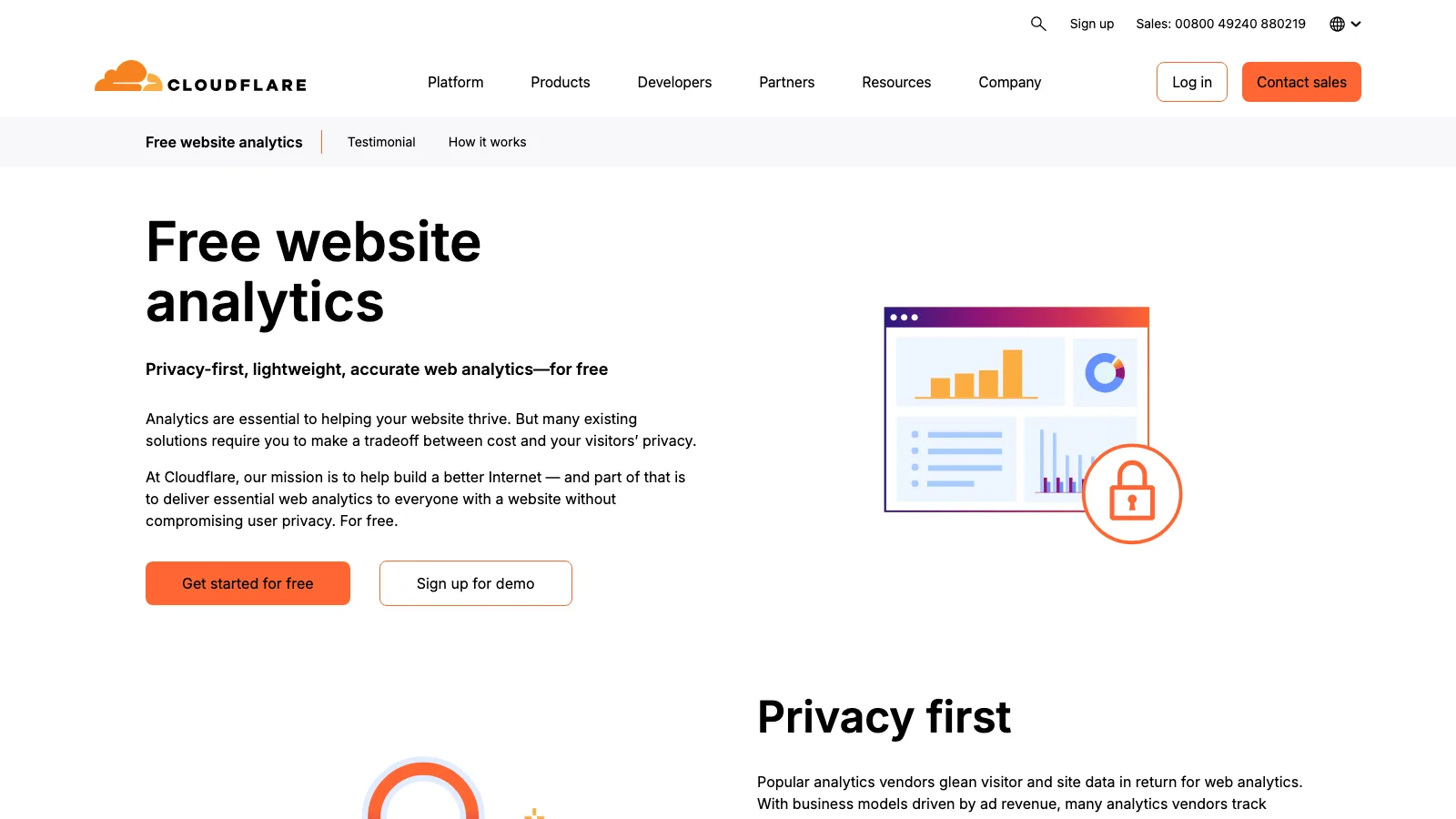
Best for: Zero-config privacy analytics on sites already behind Cloudflare Ease of use: Beginner Pricing: Free — verified 14 August 2026
Cloudflare Web Analytics is the quiet giant of this list. We detect Cloudflare's analytics beacon on 408,650 active domains, which puts it second here and ahead of every paid privacy tool by a factor of ten. It uses no cookies, no localStorage and no fingerprinting, and Cloudflare gives it to anyone with a website rather than gating it behind a paid plan.
There are two ways it collects: a lightweight JavaScript beacon you paste in, or server-side measurement at Cloudflare's edge for sites already proxied through them. The second path is why the adoption number is so large, and it's also the number's biggest caveat.
Who is Cloudflare Web Analytics for?
Sites already on Cloudflare that want honest traffic numbers without a procurement conversation.
- Perfect for: Marketing sites, docs and blogs where you need top pages, referrers and Core Web Vitals, and nothing more.
- Not ideal for: Funnel analysis, custom events, or any question that starts with "which users".
Pros and cons
Pros:
- Free with no volume ceiling, which undercuts every paid tool here on price permanently.
- No cookie banner required, because it stores nothing client-side.
- Includes real-user performance data alongside traffic, so you see Core Web Vitals as visitors actually experience them.
Cons:
- Shallow by design. No funnels, no cohorts, no custom event modelling.
- Practically requires Cloudflare for the good version, so it's a bonus for existing customers rather than a standalone choice.
- No G2 AI review summary exists, which itself tells you something: this is infrastructure people switch on, not software they evaluate and review.
One number makes the competitive point better than any feature table. Among domains that stopped running Fathom, the most common destination we record is Cloudflare Web Analytics (987 domains), ahead of Microsoft Clarity and Hotjar. Free, adequate and already in the dashboard beats $15 a month more often than the privacy-tool market likes to admit.
3. Yandex Metrica

Best for: Free session replay and heatmaps at scale Ease of use: Intermediate Pricing: Free — verified 14 August 2026
Yandex Metrica gives away session replay, heatmaps and form analytics at no cost, features that Hotjar and Microsoft Clarity built businesses on. We detect it on 288,084 active domains, third on this list, concentrated in Russia (10,610 companies in our sample), Turkey (4,049) and the United States (3,593).
I've ranked it third on adoption and would not recommend it third. For most Western B2B teams, sending visitor-level behavioural data to a Russian ad platform is a procurement conversation you don't want to have, whatever the feature set. Include it if your market is Russia, Turkey or Central Asia, where it's genuinely the strongest free option. Note also that Metrica's profile sits on a newer data pipeline than the others here, so its churn history isn't comparable with the rest of this list. Full numbers are on our Yandex Metrica profile.
4. Plausible
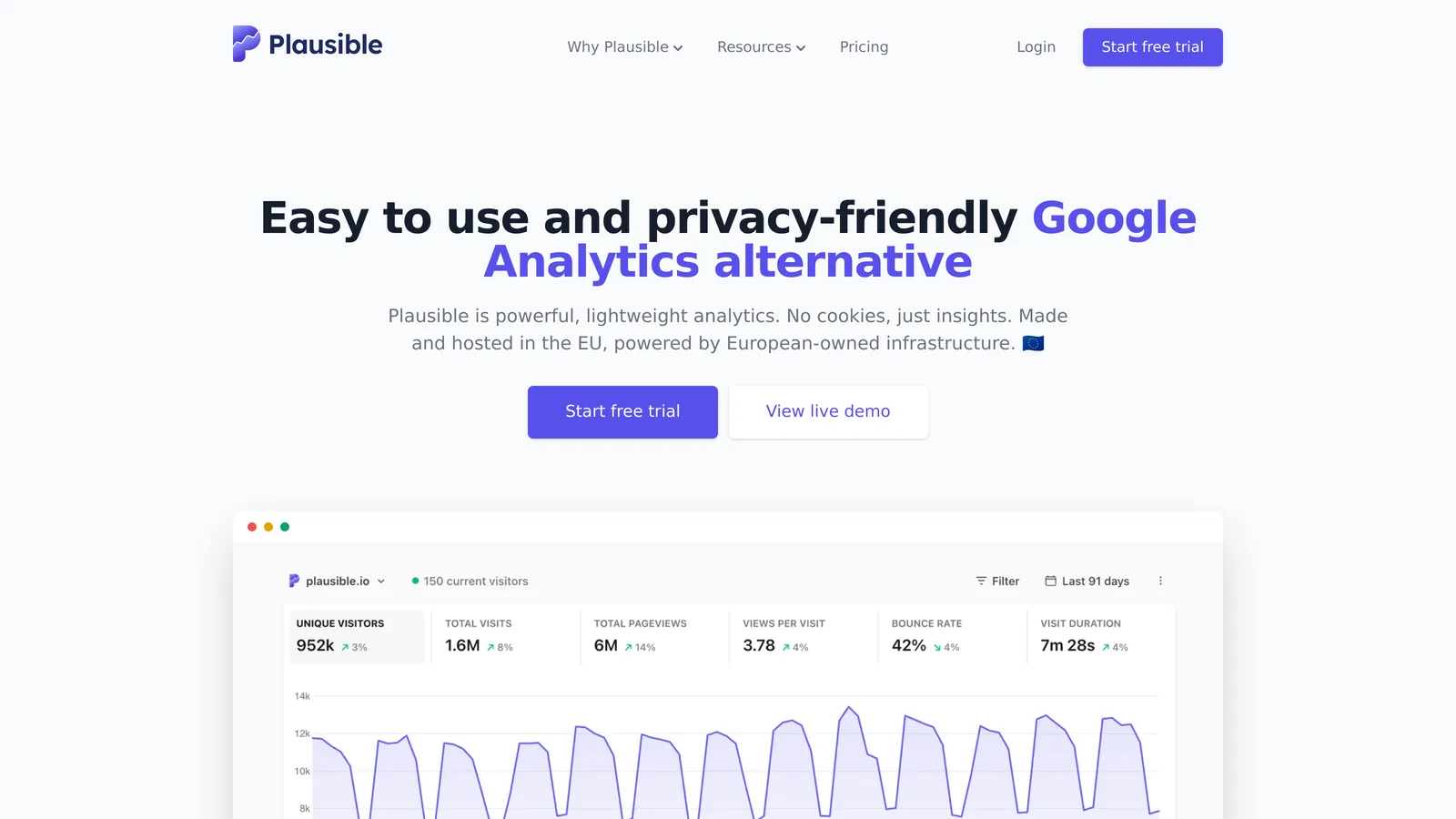
Best for: A lightweight, EU-hosted Google Analytics replacement Ease of use: Beginner Pricing: Starts at $9/mo — verified 14 August 2026 Standout feature: Single-page dashboard with no configuration required
Founded in 2018 and built in the open, Plausible is the most-deployed paid privacy analytics tool in this list. We detect it on 32,774 active domains. Its script is a fraction of the size of Google's tag, its entire interface is one page, and it's hosted in the EU on EU-owned infrastructure, which is the specific claim that matters for the buyers it targets.
How Plausible works
A small script records pageviews without cookies and without storing anything on the visitor's device, so no consent banner is required for it. Everything shows on a single dashboard: visitors, sources, pages, countries, goals. There's no report builder because there are no reports to build. That constraint is the product.
Who is Plausible for?
Teams that want to answer traffic questions in fifteen seconds and never think about analytics again.
- Perfect for: EU companies and privacy-conscious SaaS that need defensible hosting and a number their marketing team will actually look at.
- Not ideal for: Anyone who needs user-level analysis, funnels across sessions, or heavy custom event schemas.
Pricing plans
| Plan | Price | Key Features |
|---|---|---|
| Starter | $9/mo | One site, goals and custom events, saved segments, annotations |
| Growth | $14/mo | Team members, shared links |
| Business | $19/mo | Funnels, ecommerce revenue, shared dashboards and segments |
| Enterprise | Custom | Higher API limits, extended retention, more sites and members |
Prices shown are the 10,000 monthly pageview tier and rise as your traffic does, since Plausible bills on pageviews rather than seats. Annual billing takes off roughly two months. The self-hosted Community Edition is free, and nonprofits, schools and open-source projects get 15% off Business annual plans.
Pricing verified on 14 August 2026 from Plausible's pricing page.
Pros and cons
Pros:
- No cookie banner needed, removing the consent-refusal data loss that makes GA4's numbers partly modelled.
- EU-hosted and EU-owned, which answers the transfer question that the CNIL decision above created.
- Cheapest genuine entry point among paid tools here at $9/mo, against Fathom's $15 and Umami Cloud's $20.
Cons:
- Deliberately shallow. No session replay, no heatmaps, no user-level drill-down.
- Funnels are gated to the $19 Business tier, so the cheap plan can't answer conversion questions.
- Thin third-party review evidence. Its G2 profile carries only a couple of sentiment mentions, so there's no meaningful user consensus to cite either way.
Plausible in our data
Three signals from our Plausible profile are worth your attention.
First, direction of travel. Plausible takes far more domains from Google than it loses back. Counting all three Google analytics labels together (Universal Analytics, Google Analytics and GA4), 17,480 domains switched to Plausible from Google against 7,541 that went the other way. That's roughly a 2.3-to-1 net inflow, the healthiest ratio of any tool here.

Second, an oddity in geography. Its top country by detected customers is the Netherlands (3,270), ahead of the United States (2,782). Every other Western tool in this list is US-first. I read that as the EU-hosting claim doing real commercial work rather than functioning as marketing copy.
Third, size. 79% of detected Plausible customers have 1 to 10 employees. This is a small-team product that happens to be bought by some large ones, and its pricing ladder reflects that.
5. PostHog
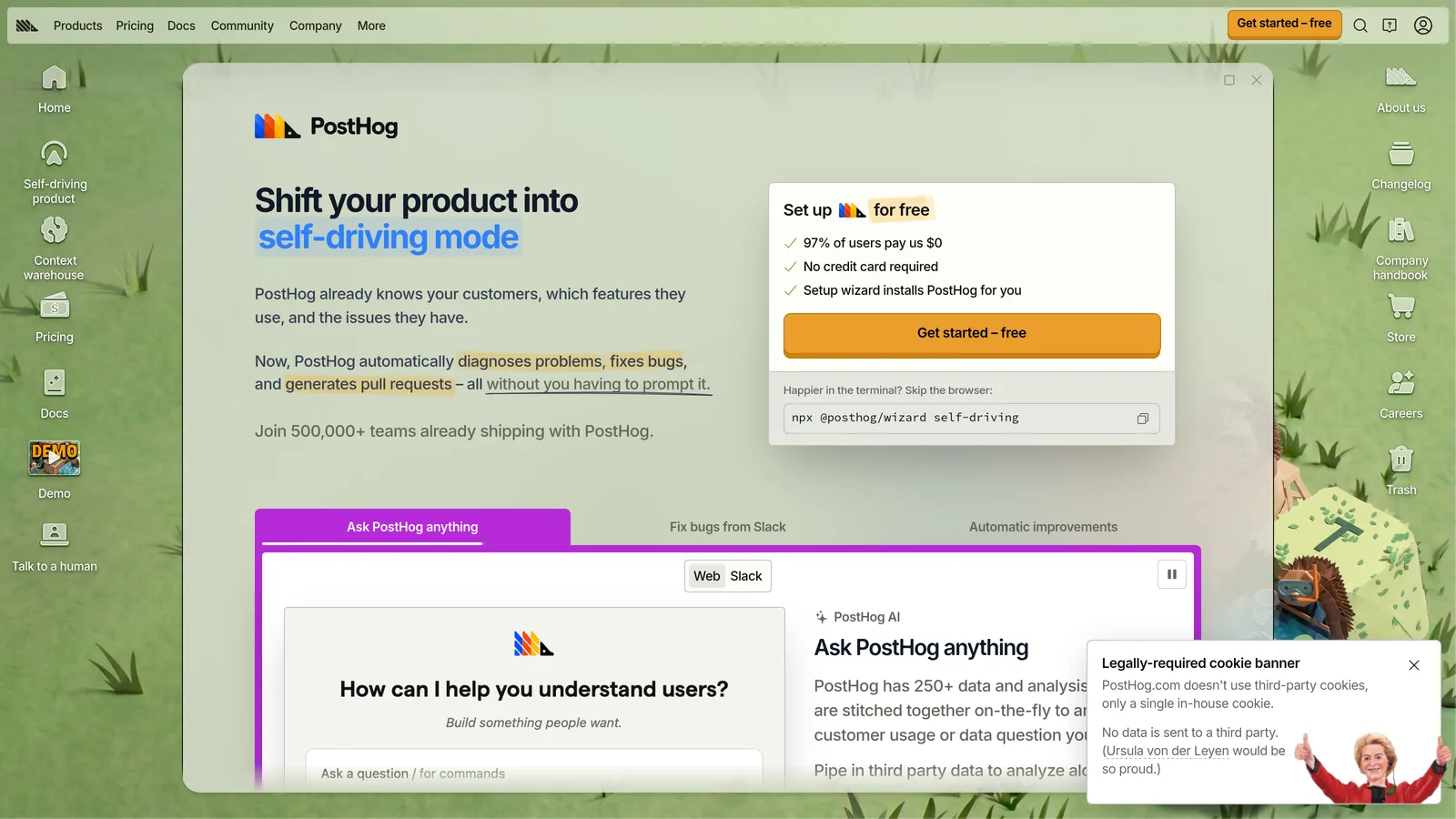
Best for: Product teams who need analytics plus experimentation Ease of use: Advanced Pricing: Free tier, then usage-based — verified 14 August 2026 Standout feature: Session replay, feature flags and A/B testing in the same tool
PostHog isn't really a web analytics tool, and that's why it's here. It's a product analytics platform that also does session replay, feature flags, surveys and experiments, and it ranks first in our product analytics category with 20,939 active domains. Teams increasingly run it instead of stitching four tools together.
How PostHog works
You install one snippet that captures events automatically, then define the ones you care about. On top of that event stream sit the other products: replay the session behind a funnel drop-off, ship a feature flag to 10% of users, run an experiment and read the result, all against the same data. Self-hosting is available, though the company steers most users to cloud.
Who is PostHog for?
Software teams whose analytics questions are about product behaviour, not marketing channels.
- Perfect for: B2B SaaS teams who need to answer "which users hit this bug, and what did they do next".
- Not ideal for: Marketing sites that just need traffic numbers. You'd be carrying an enormous amount of unused machinery.
Pricing plans
| Plan | Price | Key Features |
|---|---|---|
| Free | $0/mo | 1 project, 1-year retention, community support, no credit card |
| Pay-as-you-go | Usage-based | 6 projects, 7-year retention, email support, per-product billing limits |
The free tier includes 1M events, 5,000 session recordings and 1M feature-flag requests every month, and you keep those free volumes after upgrading. Past them, product analytics starts at $0.00005 per event and session replay at $0.0050 per recording, with unit prices falling as volume grows. You can set billing limits per product, which matters for a usage-based model.
Pricing verified on 14 August 2026 from PostHog's pricing page.
Pros and cons
Pros:
- Replaces several tools at once, so a team can drop separate analytics, replay, flags and experiment vendors.
- The free tier is unusually large, at 1M events monthly, enough to run a real early-stage product on.
- Open source with self-hosting available, so the data-ownership exit exists if you need it.
Cons:
- Steep learning curve, flagged in G2's summary with 115 mentions.
- Usage-based pricing is hard to forecast, and an event-volume spike is also a bill spike unless you set limits.
- Overkill for content sites. If your question is "how many people read the blog", this is the wrong tool.
What users say about PostHog
Across G2's review summary, PostHog scores highest for ease of use (229 mentions) while simultaneously drawing 115 mentions of a steep learning curve. That contradiction is the most interesting review signal in this entire list, and I don't think it's noise. Getting started is genuinely easy, and the ceiling is genuinely high, so the same product feels effortless in week one and overwhelming in month three. Read the positive reviews as onboarding and the negative ones as depth.
What I've found running PostHog
I've used PostHog at previous companies, and it's the tool here I reach for first when the question is about behaviour rather than traffic. What earns its place isn't a single feature, it's that session replay sits on the same event stream as the funnel. You see a drop-off, you watch three of the sessions that dropped, and you have your answer before the next standup. Doing that across two vendors means exporting IDs and hoping the timestamps line up.
Two warnings from the marketing side of the table. Billing first: usage-based pricing is fine until a bot storm or a bad loop triples your event count, and the first you hear about it is the invoice. Set per-product billing limits on day one. Second, it will not replace GA4 for you. Channel and campaign attribution is not what it's built for, and every growth team I've watched try to consolidate has ended up running both anyway, which is precisely what the detection numbers below show.
PostHog in our data
Our PostHog profile shows 20,939 active domains, and the segment skew is the sharpest here: 16.86% of detected customers are in software development, and 69.84% have 1 to 10 employees. This is a startup tool.
The co-occurrence number is the one that should shape your decision. Of PostHog domains we can measure, 75.2% also run Google Analytics, the highest overlap of any tool in this analysis. Nobody is replacing GA4 with PostHog. They're running GA4 for marketing attribution and PostHog for product questions, and paying for both. If you're evaluating PostHog as a Google Analytics replacement, our data says almost nobody who adopted it actually made that trade.
6. Adobe Analytics
Best for: Enterprise multi-channel attribution Ease of use: Advanced Pricing: Quote only — verified 14 August 2026
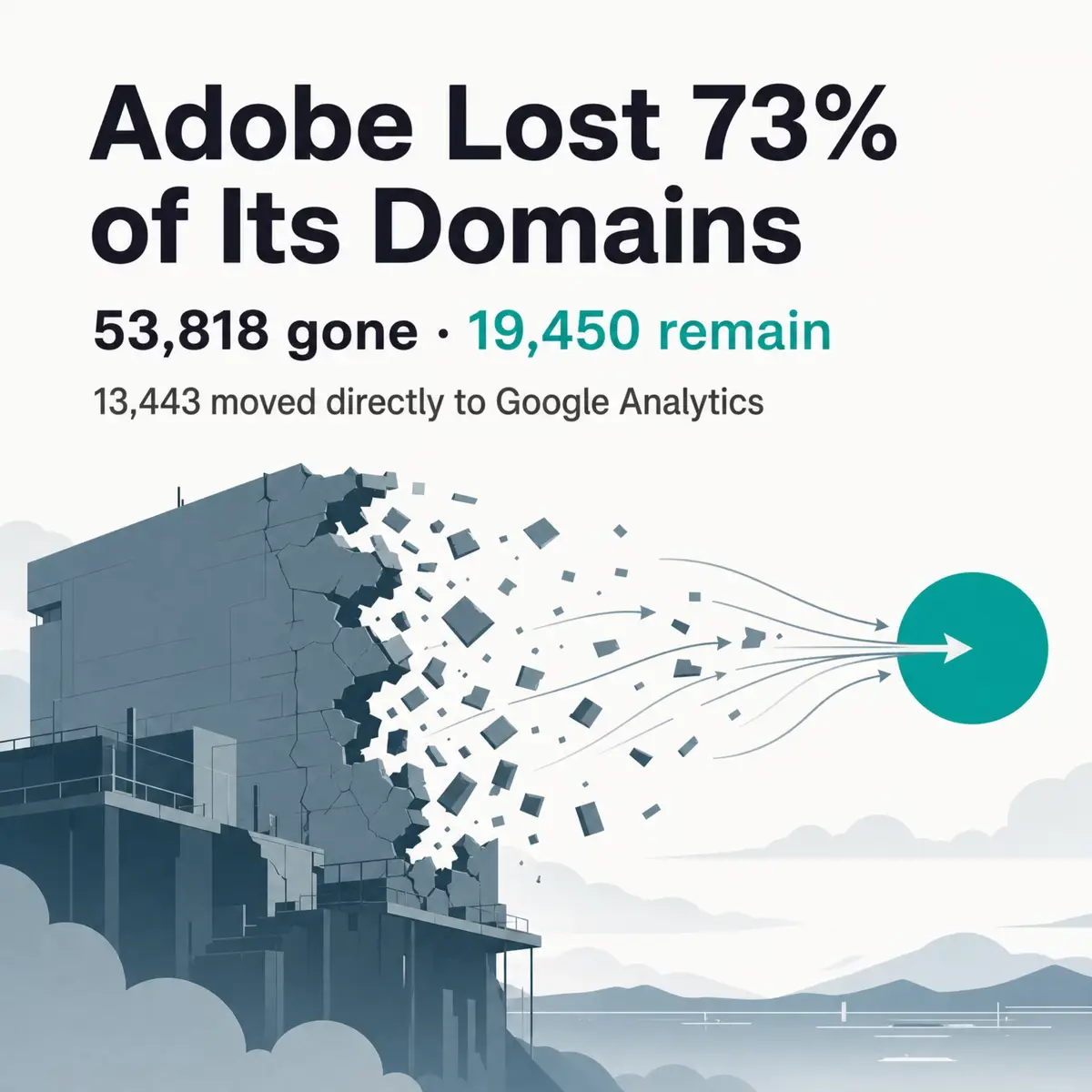
Adobe Analytics is the enterprise incumbent, and our data shows an incumbent under pressure. We detect it on 19,450 active domains against 53,818 where we no longer find it, meaning roughly 73% of all domains we've ever detected running Adobe Analytics have since dropped it. The top destination for those departures is Google Analytics (13,443 domains), followed by GA4 (9,300).
Its customer base is concentrated in the United States (9,749 companies in our sample, against 733 in second-place Spain) and skews to retail (12.59%) and construction (10.8%). The full breakdown sits on our Adobe Analytics adoption profile.
Who is Adobe Analytics for?
Large organisations already committed to Adobe Experience Cloud.
- Perfect for: Enterprises running Adobe Target and Experience Manager who need attribution stitched across channels with contractual data guarantees.
- Not ideal for: Anyone who needs to know the price before a sales call, or teams under about 500 people.
Pros and cons
Pros:
- Customisable reporting is its most-praised feature in G2's summary, with 84 mentions.
- Segmentation depth genuinely exceeds everything else on this list.
- Contractual guarantees around data handling that free tools cannot offer.
Cons:
- Complex implementation, the top criticism at 51 mentions, requiring technical staff and a long setup.
- High pricing, cited in 23 mentions as prohibitive for smaller teams. Adobe publishes no list price at all.
- Losing ground fast, on the migration evidence above.
Adobe publishes no public pricing for Adobe Analytics. Packaging is quoted per customer, so any figure you see elsewhere is someone's guess.
7. Matomo
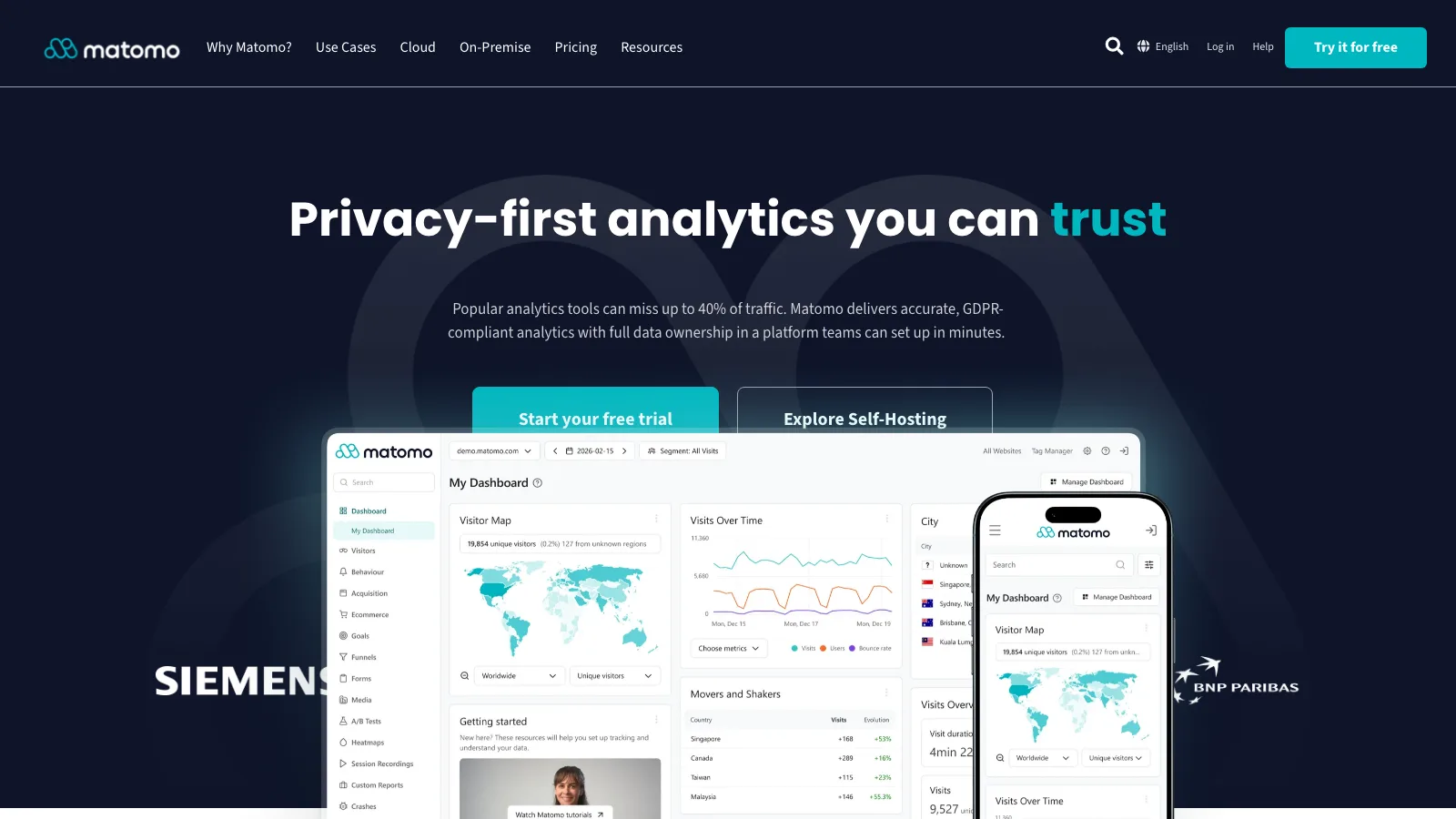
Best for: Full data ownership and self-hosting Ease of use: Intermediate Pricing: Free self-hosted, or €22/mo cloud — verified 14 August 2026 Standout feature: Self-hosting with no data leaving your infrastructure
Matomo, formerly Piwik, is the original open-source Google Analytics alternative and still the most feature-complete one. We detect it on 16,452 active domains. Unlike Plausible or Fathom, it doesn't try to be minimal: you get segments, funnels, heatmaps, session recording and A/B testing, either on your own servers or on Matomo's EU cloud.
How Matomo works
Self-hosted, you install a PHP application against your own database and the data never leaves your infrastructure. That's the whole argument, and it's a real one for public sector and healthcare buyers who can't send visitor data anywhere. The cloud version trades that for someone else running it, still hosted in Europe.
Who is Matomo for?
Organisations with a legal or policy requirement to hold their own analytics data.
- Perfect for: Government, healthcare and EU enterprises where "where is the data" has a compliance answer attached.
- Not ideal for: Small teams without ops capacity. Self-hosting analytics means you now run a database that grows forever.
Pricing plans
| Plan | Price | Key Features |
|---|---|---|
| On-Premise | Free | 100% data ownership, self-hosted, open source |
| Cloud Business | €22/mo | Hosted in Europe, email support, easy setup |
| Cloud Enterprise | Custom | Customer success manager, custom allowances |
Cloud pricing starts at 50,000 hits per month and is quoted in euros excluding tax. Annual billing costs €220 and saves two months. Additional hits run €2.20 per 5,000.
Pricing verified on 14 August 2026 from Matomo's pricing page.
Pros and cons
Pros:
- Genuinely free if you self-host, with no volume cap and no feature gating on the core product.
- Feature depth no other privacy tool here matches, including heatmaps and session recording.
- Strongest EU footprint in this list: France (2,017 companies) and Germany (1,613) lead its customer base, ahead of the US.
Cons:
- You inherit the operations. Self-hosted Matomo is a database that needs backups, upgrades and disk.
- Heavier than the minimalist tools, both in interface and in page weight.
- Losing more domains to Google than it wins, which I'll come back to below.
Matomo in our data
Our Matomo profile records 16,452 active domains against 21,147 inactive, and the migration flows tell an uncomfortable story. Matomo gains from Universal Analytics (5,064 domains) and Google Analytics (2,573), but loses 6,289 to Google Analytics, 5,141 to Global Site Tag and 3,880 to GA4. Unlike Plausible, it's net negative against Google.
I read that as the operational cost of self-hosting showing up in the data. Plausible and Matomo make almost the same privacy argument, but Plausible is a checkout page and Matomo can be a server you have to maintain. The tool with the better feature set is losing to the tool with the lower effort.
One caveat on Matomo's numbers specifically, and I'd rather state it than let you over-read the ranking: self-hosted installations are harder to detect than cloud ones, because there's no shared vendor domain to match against. Matomo's true footprint is very likely larger than 16,452, and its position at seventh here understates it more than any other tool on this list.
8. Fathom Analytics
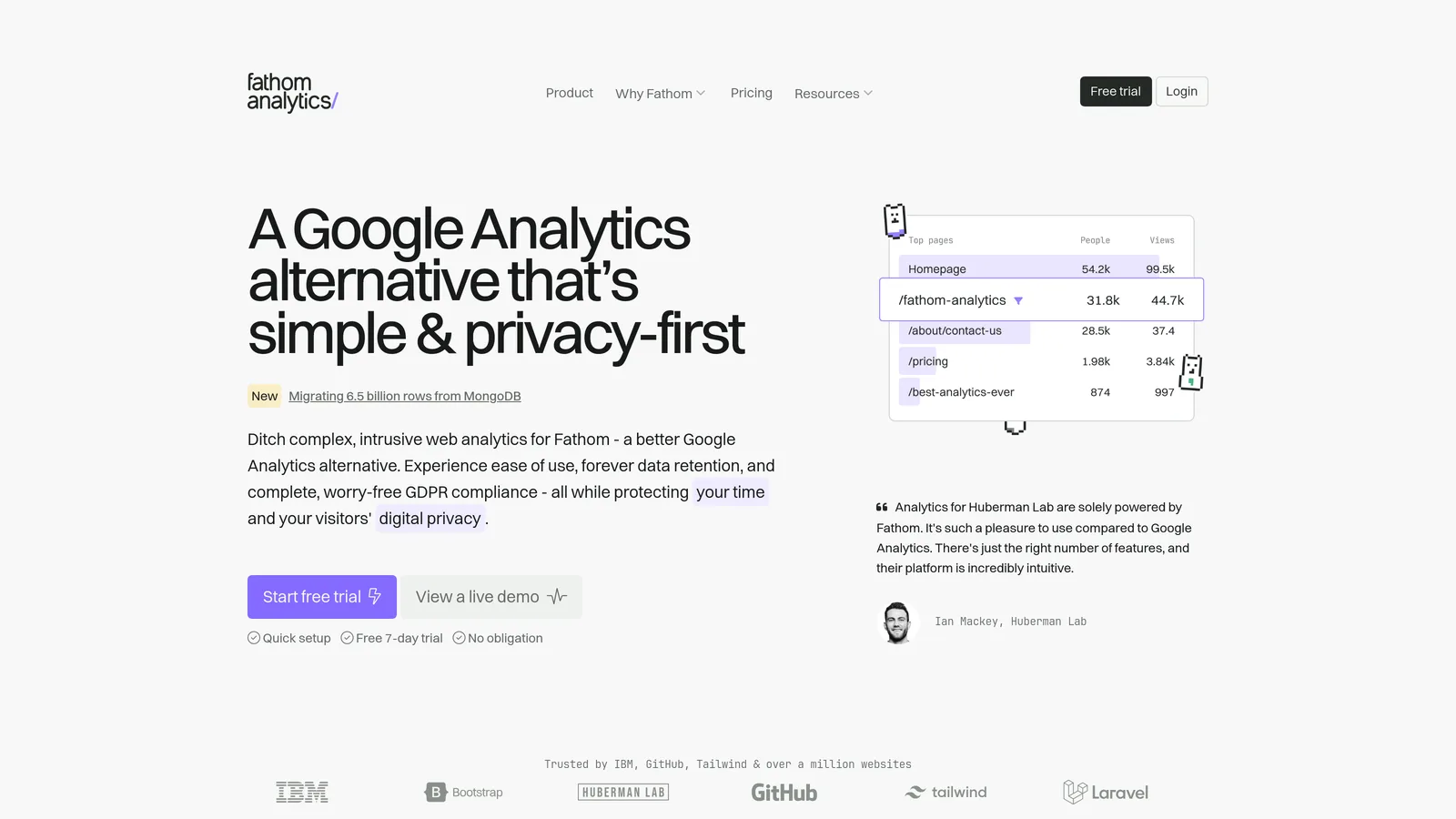
Best for: Simple, compliant reporting across client sites Ease of use: Beginner Pricing: Starts at $15/mo — verified 14 August 2026
Fathom Analytics is Plausible's closest competitor: cookieless, single-dashboard, EU isolation available. We detect it on 16,233 active domains, and its defining commercial feature is that every plan includes at least 50 sites, which is why agencies buy it.
Who is Fathom Analytics for?
Agencies and freelancers reporting on many sites at once.
- Perfect for: Consultancies who need one bill and one login covering fifty client sites.
- Not ideal for: Single-site owners on tight budgets, who are paying for site capacity they'll never use.
Pricing plans
| Plan | Price | Key Features |
|---|---|---|
| Up to 100,000 pageviews | $15/mo | Minimum 50 sites, forever data retention, EU isolation option |
| Up to 500,000 pageviews | $45/mo | Same features, higher volume |
| 25M+ | Contact us | Enterprise volume |
Billing is by monthly pageviews, and custom events count as pageviews. Yearly billing gives two months free, and extra site packs of 50 cost $10/mo. There's a 7-day free trial.
Pricing verified on 14 August 2026 from Fathom's pricing page.
Pros and cons
Pros:
- Forever data retention on every plan, which neither Plausible nor Umami Cloud matches at entry level.
- 50 sites included at $15/mo, making per-site cost trivial for agencies.
- US-led adoption (2,959 companies to the UK's 1,161), so it's the privacy tool with the most American traction.
Cons:
- Limited customisation, the recurring theme in its G2 sentiment, which flags shallow reporting and dashboard rigidity.
- More expensive than Plausible at entry ($15 against $9) for a comparable feature set.
- Loses more domains to Cloudflare than to any other tool (987), which is a hard problem when the competitor is free. Its next two destinations are Microsoft Clarity (768) and Hotjar (651), both behavioural tools rather than direct replacements.
Every migration flow above is published on our Fathom Analytics profile.
9. Umami
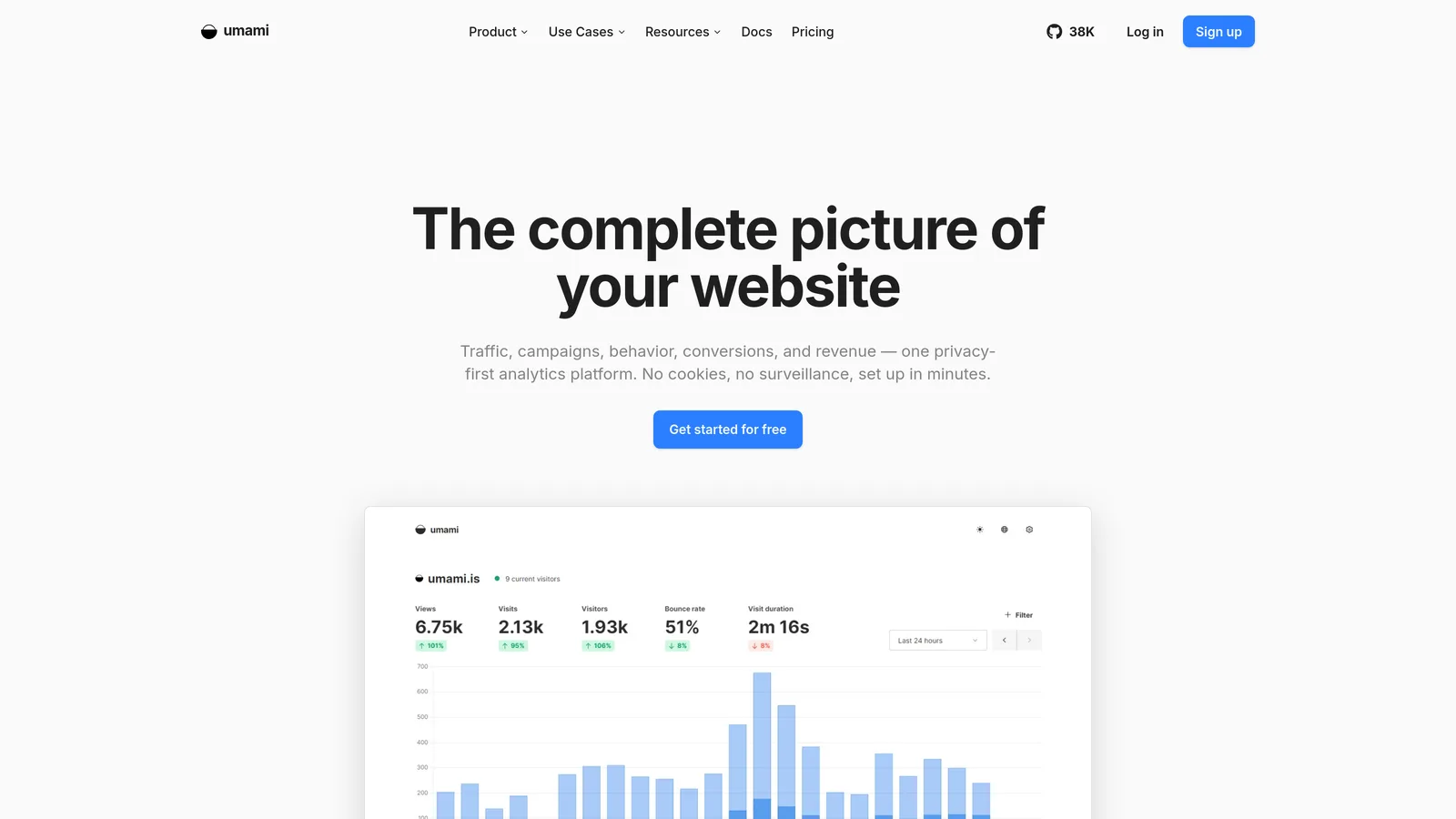
Best for: Developers who want to self-host for free Ease of use: Intermediate Pricing: Free self-hosted, Cloud from $0/mo — verified 14 August 2026
Umami is the newest tool here and the most developer-shaped. It's open source, runs on Postgres or MySQL, deploys to a serverless host in minutes, and has a hosted version with a real free tier. Our Umami detection profile records 12,413 active domains against only 8,542 where we no longer detect it. Setting aside Yandex Metrica, whose detection history sits on a different pipeline, that 1.45-to-1 ratio of live to dead installs is the healthiest of any profiled tool here. PostHog, Matomo, Fathom and Adobe Analytics all carry more dead installs than live ones.
Who is Umami for?
Developers who'd rather deploy a container than sign a contract. Even on developer documentation it stays a niche pick: across the 6,418 domains of companies that use Docusaurus, Umami appears on 2.07%, behind Plausible (4.35%) and Google Analytics (60.67%).
- Perfect for: Technical teams already running infrastructure who want analytics with zero marginal cost.
- Not ideal for: Ecommerce. Its own users flag this, and so does its feature list.
Pricing plans
| Plan | Price | Key Features |
|---|---|---|
| Hobby | $0/mo | 1 website, 6-month retention, community support |
| Pro | $20/mo | Up to 20 websites, 2-year retention, API access |
| Business | $200/mo | Unlimited websites, 5-year retention, session replays, heatmaps |
| Enterprise | Custom | SAML SSO, uptime SLA, onboarding support |
Hobby includes 100,000 events monthly, Pro includes 1M and Business 10M, with overages billed per event. Self-hosting remains free and open source, though cloud adds email reports and the streaming API. There's a 14-day trial on paid plans.
Pricing verified on 14 August 2026 from Umami's pricing page.
Pros and cons
Pros:
- Free forever if you self-host, with a genuinely usable 100,000-event cloud tier if you don't.
- Easy setup is the dominant theme in its G2 sentiment, and the deployment story matches that.
- Healthiest live-to-dead install ratio of any profiled tool here at 1.45 to 1, which suggests the people who deploy it keep it.
Cons:
- Weak ecommerce tracking, the single most repeated criticism from its reviewers, who flag missing product-behaviour and user-journey features.
- Session replay and heatmaps are gated to the $200/mo Business tier, a steep jump from $20.
- France-first adoption (1,336 companies against 739 in the US) means less English-language community content than its competitors.
Most Google Analytics Alternatives Don't Actually Replace Google Analytics
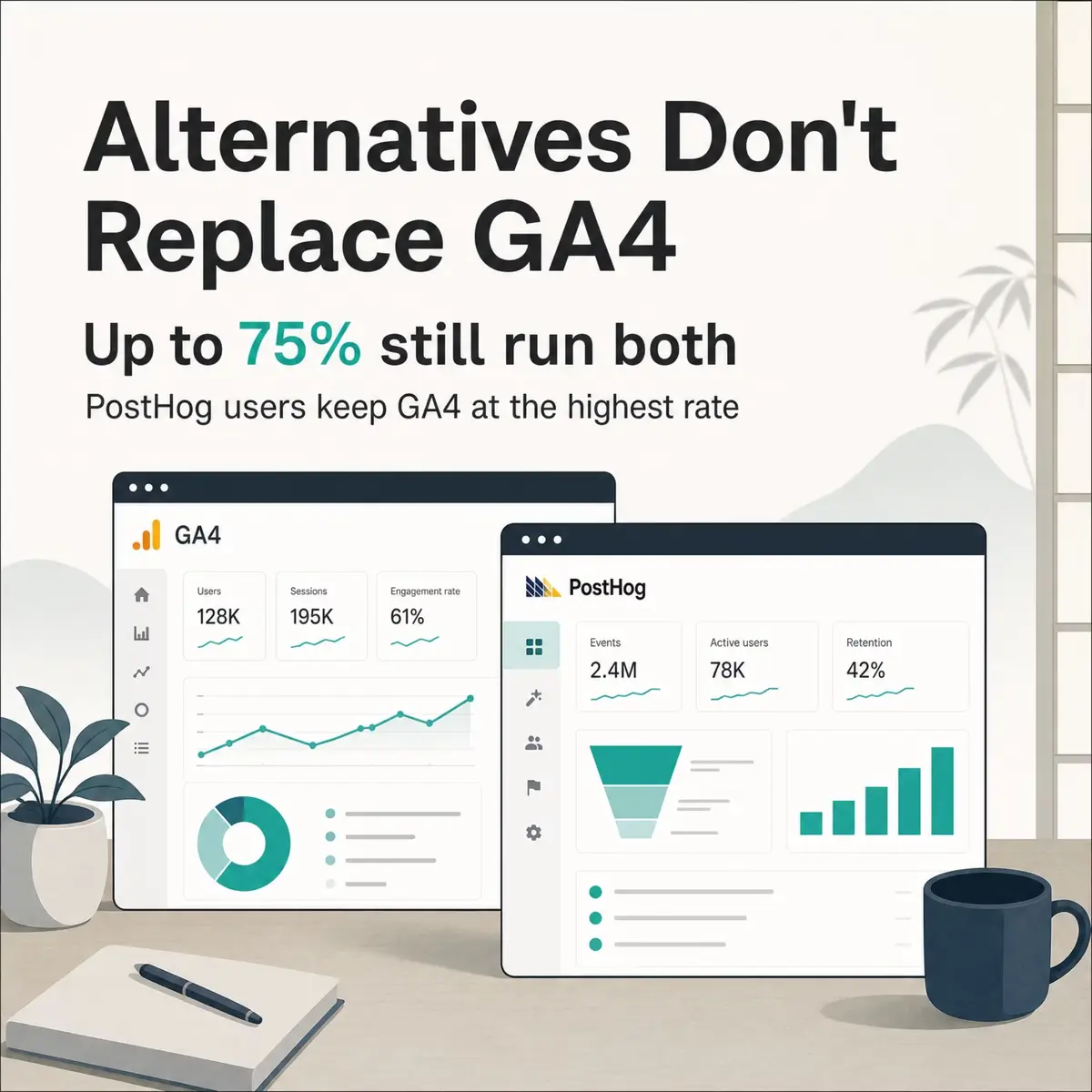
Here's the finding that changed how I'd advise anyone shopping this category. We measured every tool where our detection index lets us check both facts at once: does this domain run the tool, and does it also run Google Analytics or GA4?
| Tool | Active Domains | Also Running Google Analytics | Share |
|---|---|---|---|
| PostHog | 20,664 | 15,531 | 75.2% |
| Cloudflare Web Analytics | 408,650 | 240,813 | 58.9% |
| Fathom Analytics | 16,048 | 9,181 | 57.2% |
| Adobe Analytics | 21,612 | 11,072 | 51.2% |
| Umami | 12,387 | 6,113 | 49.4% |
| Yandex Metrica | 218,276 | 104,337 | 47.8% |
Measured across distinct domains, taking the most recent detection status per domain, over the crawl window ending 28 March 2026.
Not one of these tools is predominantly used on its own. Even the most independent, Yandex Metrica, sits alongside Google Analytics on nearly half the domains running it. The tool marketed hardest as a modern replacement, PostHog, has the highest overlap of all at three in four.
Two things follow from that. The first is a budget point: if you adopt one of these expecting to cancel Google Analytics, you're planning a migration that most of your peers didn't complete. Price the second tool as an addition. The second is about what the category actually sells. These aren't Google Analytics replacements. They're answers to questions GA4 handles badly, whether that's a cookie banner you didn't want, session replay Google doesn't offer, or product questions its data model resists. Buyers keep GA4 for the things it's still best at, mainly ad attribution, and buy a second tool for the rest.
One honest limitation on all of this. Detecting a script tells us it's deployed, not that anyone reads the dashboard. A domain running both tools might have abandoned one two years ago. The direction of the finding is solid across six independent tools, but treat the specific percentages as deployment overlap rather than deliberate dual-use.
How to Choose the Right Web Analytics Tool for Your Stack
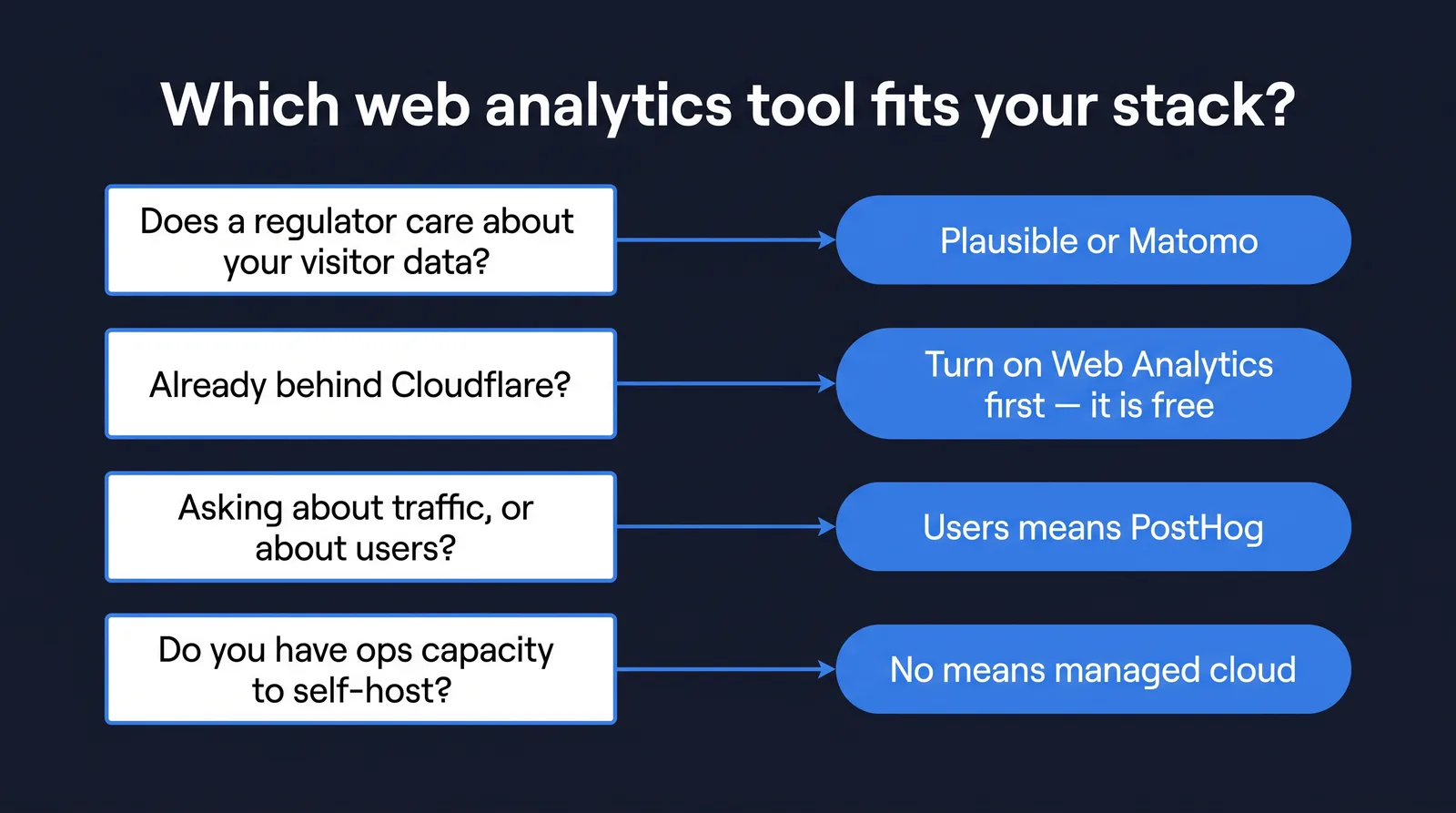
Work down these questions in order and you'll land on one or two candidates.
Does a regulator care about your visitor data? If yes, that eliminates GA4 in its default configuration and points at Plausible, Matomo or Cloudflare. If you also can't send data to any third party, Matomo self-hosted is the only option here that qualifies.
Are you already behind Cloudflare? Turn on Web Analytics first. It's free, takes a minute, and answers the traffic question well enough that you'll learn what you actually still need.
Is your question about traffic or about users? Traffic questions ("how many, from where") are solved by every tool here, so pick on price and privacy. User questions ("who churned and why") need PostHog, and nothing else on this list will answer them.
How much ops capacity do you have? Self-hosting Matomo or Umami is free in licence terms and not free in engineering time. Our own churn data shows Matomo losing domains back to Google in a way Plausible doesn't, and maintenance burden is the most plausible explanation.
Who's paying? Below roughly $20/mo the choice is Plausible ($9), Fathom ($15) or free tools. Above that you're buying depth, not accuracy.
Frequently Asked Questions About Web Analytics Tools
What are the top 10 web analytics tools?
The most-deployed web analytics tools in our detection index are Google Analytics 4, Cloudflare Web Analytics, Yandex Metrica, Plausible, PostHog, Adobe Analytics, Matomo, Fathom Analytics and Umami. Google Analytics 4 leads by a wide margin at 3,688,199 active domains. Ranking beyond the top three depends heavily on whether you count free bundled tools.
What are the best free web analytics tools in 2026?
Google Analytics 4, Cloudflare Web Analytics and Yandex Metrica are free with no volume ceiling. Matomo and Umami are free if you self-host, and PostHog's free tier covers 1M events monthly. Cloudflare's is the easiest to switch on, and it's the one I'd try first if you're already a Cloudflare customer.
Is Google Analytics still the best web analytics tool?
It's still the most widely deployed by an enormous margin, and it's free, which is hard to argue with. It's not the best on privacy compliance, on ease of learning, or on raw unmodelled data. Our co-occurrence data suggests most teams reach the same conclusion: they keep it and add something else rather than replacing it.
What open source web analytics tools are worth using?
Matomo, Umami and PostHog are all open source with self-hosting options, and Plausible offers a free self-hosted Community Edition. Matomo has the deepest feature set, Umami the simplest deployment. All four let you keep data on your own infrastructure, which is the main reason to choose them.
What's the difference between web analytics and product analytics tools?
Web analytics tools answer questions about traffic: how many visitors, which pages, which sources. Product analytics tools answer questions about users: who did what, in which order, and who stopped. GA4, Plausible and Fathom are web analytics. PostHog is product analytics. Most teams eventually need both, which is exactly what our overlap data shows.
Which web analytics tools work best without third-party cookies?
Cloudflare Web Analytics, Plausible, Fathom, Umami and Matomo all work without cookies entirely, so third-party cookie deprecation doesn't affect them and no consent banner is required for the analytics itself. GA4 depends on consent and models the gap when it's refused.
How much do the best web analytics tools cost in 2026?
Free to enterprise quote. Plausible starts at $9/mo, Fathom at $15/mo, Umami Cloud at $20/mo for the Pro tier and Matomo Cloud at €22/mo. GA4, Cloudflare Web Analytics and Yandex Metrica are free. Adobe Analytics is quote only, with reviewers repeatedly flagging cost as prohibitive for smaller teams. All prices verified 14 August 2026.
What are examples of web analytics tools used in digital marketing?
Google Analytics 4 dominates marketing use because it feeds conversion data back into Google Ads. Adobe Analytics fills the same role in enterprise Adobe stacks. Yandex Metrica is widely used in Russian and Turkish markets. Marketing teams choose on ad-platform integration first, which is why GA4's lead is largest in that segment.
Which web analytics tool is best for a SaaS company?
For a SaaS company measuring product usage, PostHog. For the marketing site, GA4 or Plausible. Our detection data shows 75.2% of PostHog domains also run Google Analytics, and for SaaS specifically that split is the normal pattern rather than a sign of indecision.
Can I run two web analytics tools at once?
Yes, and most sites in our data do. Between 47.8% and 75.2% of domains running the tools measured here also run Google Analytics. The cost is a little page weight and two dashboards that won't agree. The benefit is that you keep ad attribution while getting whatever the second tool does better.
Is It Worth Paying for Web Analytics in 2026?
For most sites, no, and I say that as someone who has signed off ten years of marketing budgets that included this line item. Three of the nine tools here are free with no ceiling, and Cloudflare's costs nothing and requires no decision if you're already behind their network. The paid tools on this list aren't selling better numbers than GA4, they're selling a smaller interface, an EU address, or a different question set. Those are real products with real buyers, but they're not accuracy upgrades, and the vendor marketing in this category often implies they are.
Pay when you have a specific constraint. Choose Plausible if a regulator or a customer contract makes EU hosting non-negotiable and you want the lowest-effort path there. Choose Matomo if you can't let visitor data leave your infrastructure at all and you have the ops capacity to run it. Choose PostHog if your real question is about user behaviour rather than traffic, and budget for it alongside GA4 rather than instead of it. Choose Fathom if you're an agency and the 50-site allowance does the arithmetic for you.
Everyone else should turn on the free tool they already have access to and spend the money somewhere it changes a decision.
You can check every adoption number in this article yourself. Each tool above links to its own TechnologyChecker profile, where the active domain counts, migration flows and company breakdowns are published in full and refreshed as we re-crawl.

CMO & Co-founder
10+ years of experience
Elif is the CMO and co-founder of TechnologyChecker.
- MBA, London Business School
- Google Analytics Certified Professional
- HubSpot Inbound Marketing Certified
Never miss our research