

www prefixes, and trailing paths), so you can paste any URL format.
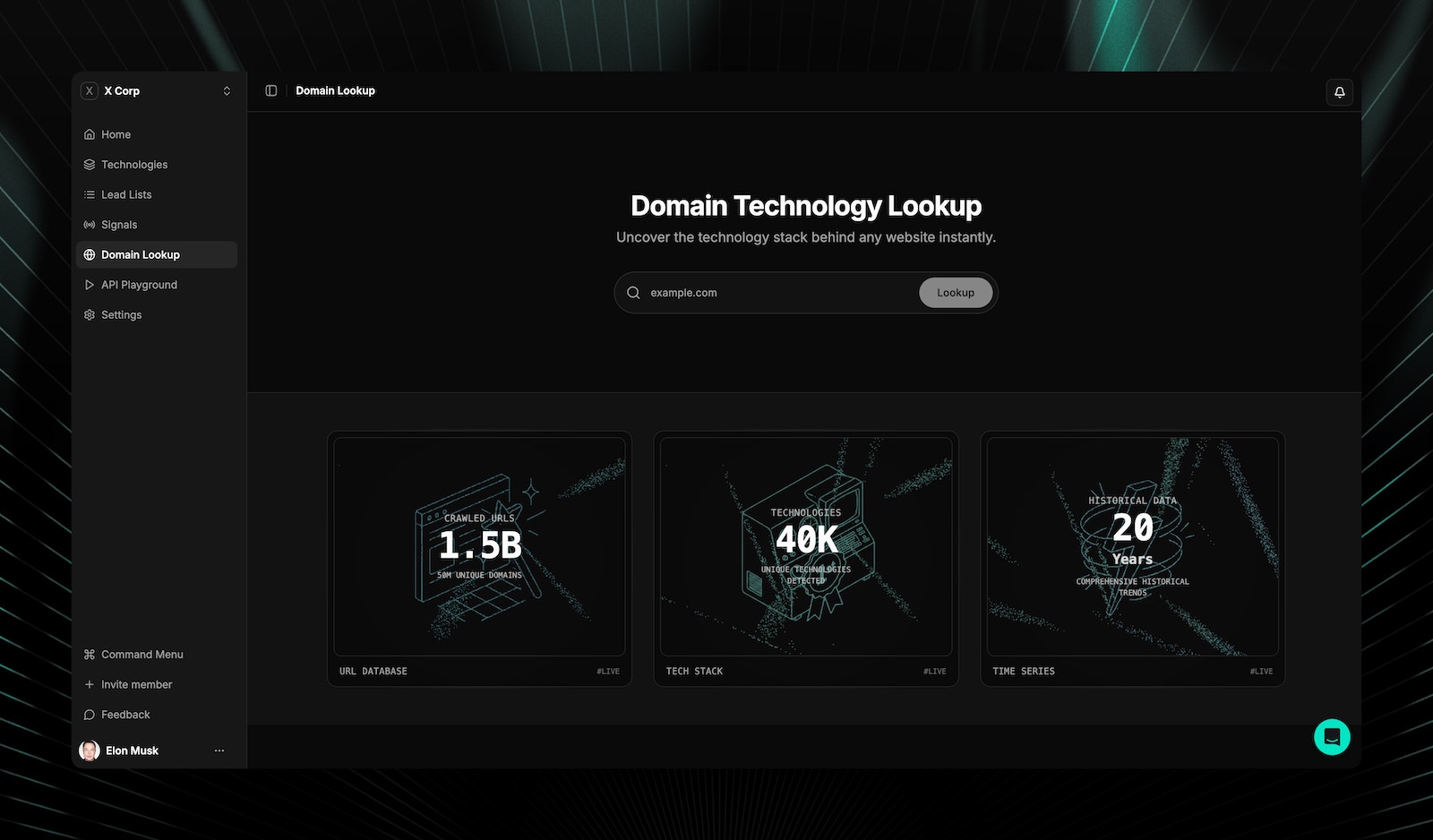
How domain lookup works
TechnologyChecker uses a two-stage approach for speed and coverage:1
Database lookup (instant)
Checks the pre-crawled database of 50M+ websites. If the domain exists, results appear instantly.
2
Live detection (5-15 seconds)
If no database results are found, a real-time scan runs using browser rendering and pattern matching.
Live detection results display a “Live Result” banner indicator. An animated loading state appears during scanning. See detection modes for details on scan speed and accuracy.
What data you get from a domain lookup
After a lookup, you get a complete domain profile with three sections:- Technology stack
- Company metadata
- Technology timeline
Active technologies are grouped by category. Each technology shows:
- Technology name and logo
- Category classification
- First detected and last detected dates
- Link to the technology detail page
Related pages
Technologies
Browse 40,000+ tracked technologies with market share data.
Lead lists
Build prospect lists from domain lookup results.
Domain technologies API
Look up technologies via API for any domain.
Live detection API
Real-time detection with multiple scan modes.
Frequently asked questions
What happens if a domain isn't in the database?
What happens if a domain isn't in the database?
If no pre-crawled data exists, TechnologyChecker automatically runs a live detection scan using browser rendering. Live results display a “Live Result” banner. You can also trigger this manually via the live detection API (5 credits vs 1 credit for database lookups).
What URL formats are accepted?
What URL formats are accepted?
TechnologyChecker normalizes your input automatically. You can enter
example.com, https://example.com, www.example.com, or https://www.example.com/path — all resolve to the same domain lookup.How fresh is the technology data?
How fresh is the technology data?
Database results reflect the most recent crawl cycle. Each technology record includes
first_seen and last_seen timestamps so you can see exactly when detection occurred. For real-time results, use live detection.Can I see technologies a domain previously used?
Can I see technologies a domain previously used?
Yes. The domain profile includes both active technologies and historical technologies that are no longer detected. Use the technology history endpoint (
GET /v1/domain/{domain}/history) for the full timeline with status changes.